








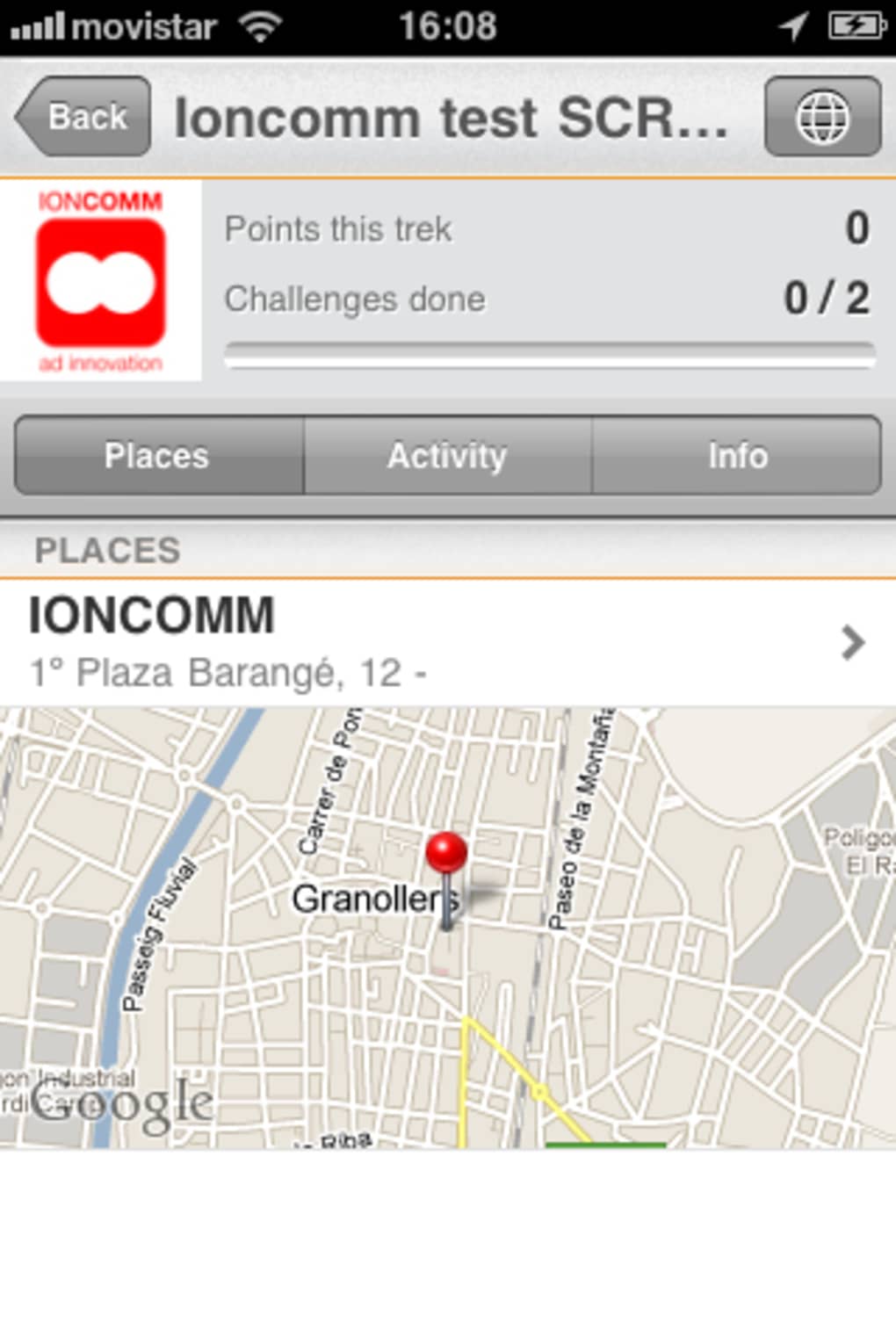


Description
Scvngr: Fun Location-Based Challenges
Overview
Scvngr is a location-based social game designed to offer a more dynamic and interactive experience than traditional check-in platforms like Foursquare and Gowalla. Instead of earning badges or claiming mayorship over venues, users complete real-time challenges that encourage exploration, creativity, and social interaction. The game’s core mechanics revolve around four universal challenge types: Check-in, Social Check-in (a phone-bump with another user), Say something, and Snap a picture. These tasks are triggered when users arrive at specific locations, making every visit a potential gameplay moment.
Targeted at social gamers and location-aware users, Scvngr blends gamification with real-world movement, appealing to those who enjoy friendly competition and personalized experiences. Users can create custom challenges for friends or complete challenges left by others, turning everyday places into interactive zones. This user-driven content model fosters a sense of community and encourages repeat engagement. While the platform supports both Scvngr accounts and Facebook Connect, the full experience depends on network participation.
Real-world usage scenarios include friendly challenges at local cafes, photo scavenger hunts at parks, or social check-ins during events. The game’s potential grows with user adoption, as more participants expand the challenge ecosystem. However, its effectiveness is contingent on a critical mass of active users to maintain engagement and relevance.
Key Features & Capabilities
- Location-Based Challenges – Users complete tasks tied to physical locations, such as checking in, taking photos, or saying a phrase. These tasks encourage real-world interaction and exploration.
- Social Check-In via Phone-Bump – A unique feature allowing users to connect physically by bumping phones, adding a tactile layer to social engagement.
- User-Created Challenges – Players can design and deploy custom challenges requiring text or image responses, turning any location into a personalized game zone.
- Challenge Completion & Sharing – Completed challenges are visible to friends, enabling social validation and friendly competition.
- Multi-Platform Access – Available on both Windows and Mac, supporting consistent gameplay across desktop environments.
These features transform mundane visits into engaging experiences. For example, a user might leave a photo challenge at a favorite coffee shop, prompting friends to snap their own version. Or, a group could organize a scavenger hunt across city landmarks using shared challenges. The ability to create and respond to challenges fosters creativity and strengthens social bonds. While the platform lacks built-in validation for user-submitted responses, it relies on trust and transparency among participants.
User Interface, Workflow & Performance
The user interface of Scvngr is designed to be intuitive, with a clean layout focused on location discovery and challenge management. Navigation centers around a map-based view, where active challenges are displayed as interactive markers. Users can filter by challenge type, friend activity, or proximity to their current location. The workflow follows a logical sequence: locate a challenge → complete the task → submit proof → view results.
Interaction with the app is streamlined through direct access to camera, microphone, and contact features, essential for completing photo and social challenges. The interface supports quick actions like one-tap check-ins and instant photo uploads. However, the developer did not specify resource usage details, so actual CPU and RAM behavior remains unknown. Performance observations are based on general software behavior patterns.
Stability appears to be consistent with desktop applications of its era, though long-term reliability may depend on network conditions and server responsiveness. The application runs as a background process, which may affect system performance if not managed properly. Users are advised to monitor usage during extended sessions.
Compatibility & System Requirements
Scvngr is compatible with both Windows and Mac operating systems, making it accessible to a broad desktop user base. The software version is listed as 1.0, indicating a stable initial release. Installation size is 20 MB, suggesting a lightweight footprint suitable for most modern desktop environments.
Exact system requirements were not listed. The developer did not provide additional system requirements. Hardware specifications such as processor speed, RAM, or graphics capabilities are not specified. Compatibility information is limited to the operating systems mentioned. Users should ensure their system meets standard desktop application requirements for smooth operation.
Pros and Cons
Pros
- Engaging location-based gameplay with a social twist
- Supports user-created challenges for personalized experiences
- Offers unique Social Check-in via phone-bump functionality
- Lightweight installation at just 20 MB
- Available on both Windows and Mac platforms
Cons
- Dependent on user network size for full functionality
- No built-in validation for user-submitted challenge responses
- Limited system requirements and performance data provided
- Platform-specific features may vary across OS versions
- Outdated release date raises concerns about current support
FAQ Section
Is Scvngr available for both Windows and Mac?
Yes, Scvngr is compatible with both Windows and Mac operating systems.
Can I create my own challenges in Scvngr?
Yes, users can create custom challenges that require text or image responses, which can be placed at any location.
How do I connect to Scvngr?
You can sign in using a Scvngr account or connect via Facebook Connect.
Is Scvngr free to download and use?
Yes, Scvngr is available at no cost. The software is free to download and use.
Does Scvngr require an internet connection?
Yes, Scvngr requires an active internet connection to access challenges, submit responses, and interact with other users.
Final Thoughts + CTA
Scvngr stands out as a creative and interactive approach to location-based gaming, offering a refreshing alternative to traditional check-in services. Its emphasis on user-generated challenges and social interaction introduces a dynamic layer of fun and personalization. While the platform’s success hinges on widespread adoption, its core mechanics are solid and well-designed. The lightweight nature and cross-platform availability further enhance its accessibility.
Despite its outdated release date, Scvngr remains a compelling option for users seeking a gamified way to explore their surroundings and connect with friends. It’s ideal for social gamers, event planners, and anyone who enjoys playful, location-driven experiences. For those looking to add a unique twist to everyday outings, Scvngr delivers on its promise of fun and engagement.
Download Scvngr now
Guides & Tutorials for Scvngr
How to install Scvngr
- Click the Preview / Download button above.
- Once redirected, accept the terms and click Install.
- Wait for the Scvngr download to finish on your device.
How to use Scvngr
This software is primarily used for its core features described above. Open the app after installation to explore its capabilities.
User Reviews for Scvngr 0
No reviews found





